IPTV Smarters: Complete Guide, Features, Setup & Usage (2026)
IPTV Smarters is one of the most popular IPTV player applications used to stream live TV, movies, and series through an IPTV subscription. It is widely known for its user-friendly interface, multi-device compatibility, and advanced IPTV features.
This guide explains what is Smarters Pro is, how it works, its main features, supported devices, and how to set it up correctly in 2026.
What Is IPTV Smarters?
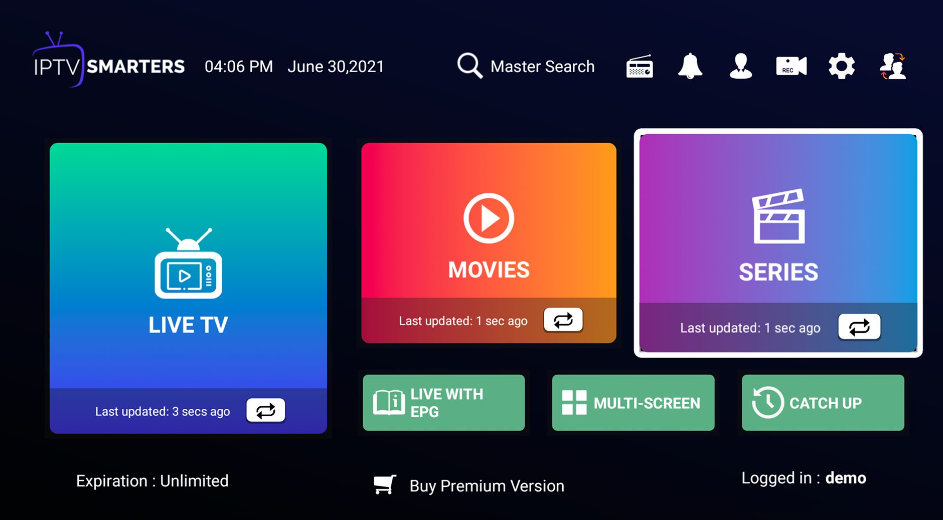
The Smarters Pro is an IPTV player application that allows users to watch IPTV content provided by a third-party IPTV service. The app itself does not host, sell, or distribute TV channels.
Instead, This IPTV Player works as a media player that organizes and displays IPTV streams once the user adds valid IPTV login details.
To use the Smarters player, an active IPTV subscription is required.
How IPTV Smarters Works
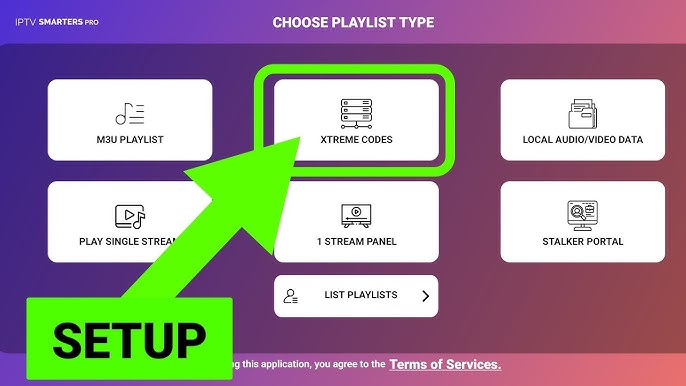
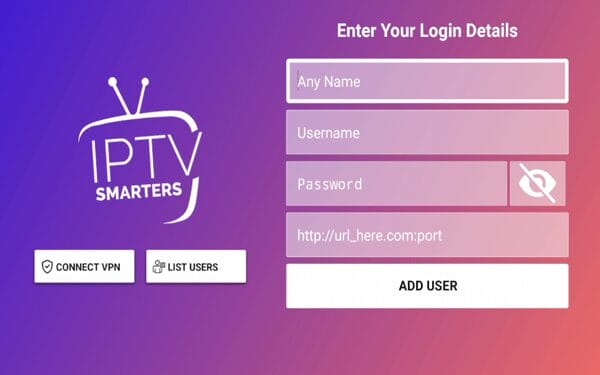
this IPTV player connects to an IPTV service using one of the following methods:
- Xtream Codes API (most common and recommended)
- M3U Playlist URL
- Local playlist file
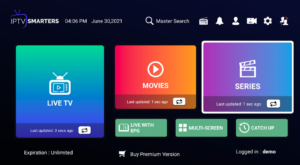
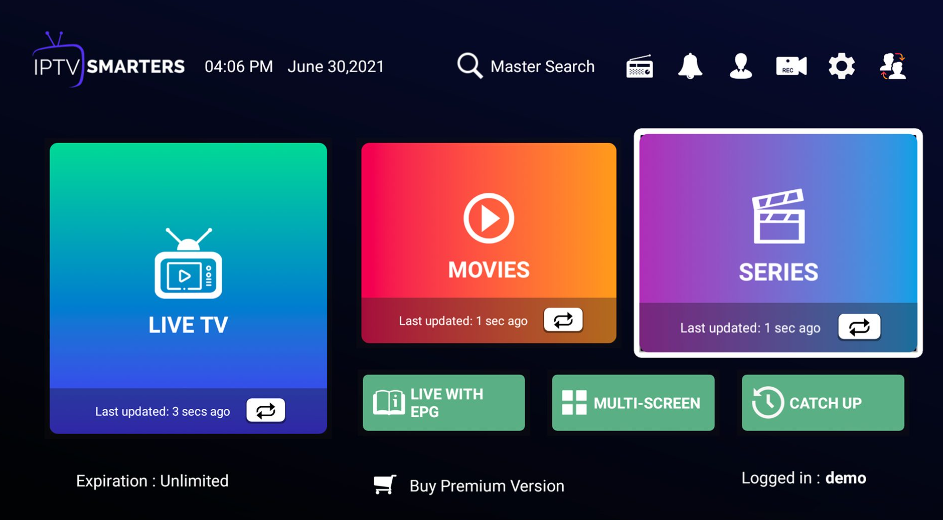
After login, the app automatically loads:
- Live TV channels
- Movies (VOD)
- TV series
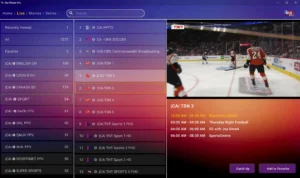
- Electronic Program Guide (EPG)
The content available depends entirely on the IPTV provider used.
Key Features of IPTV Smarters
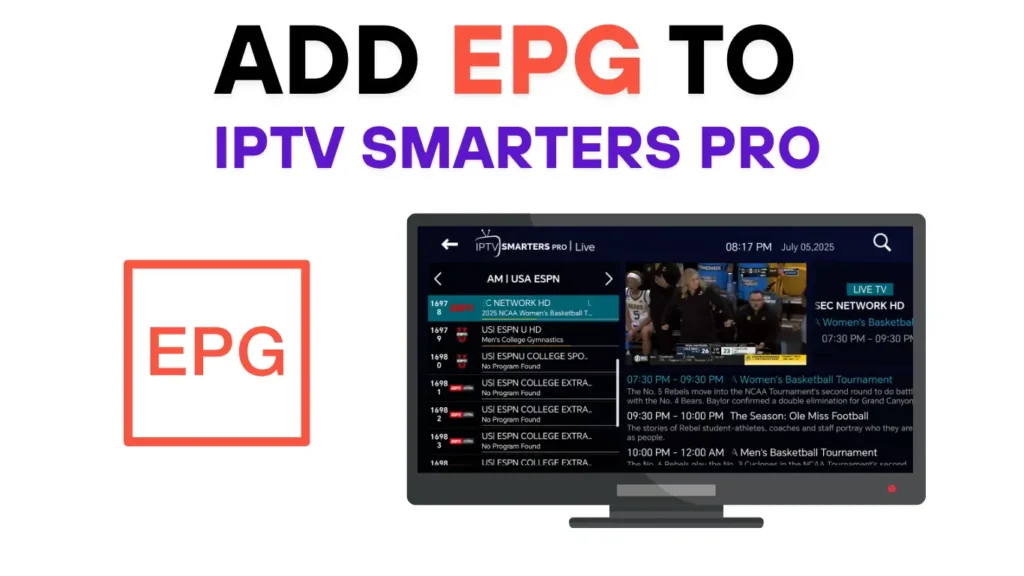
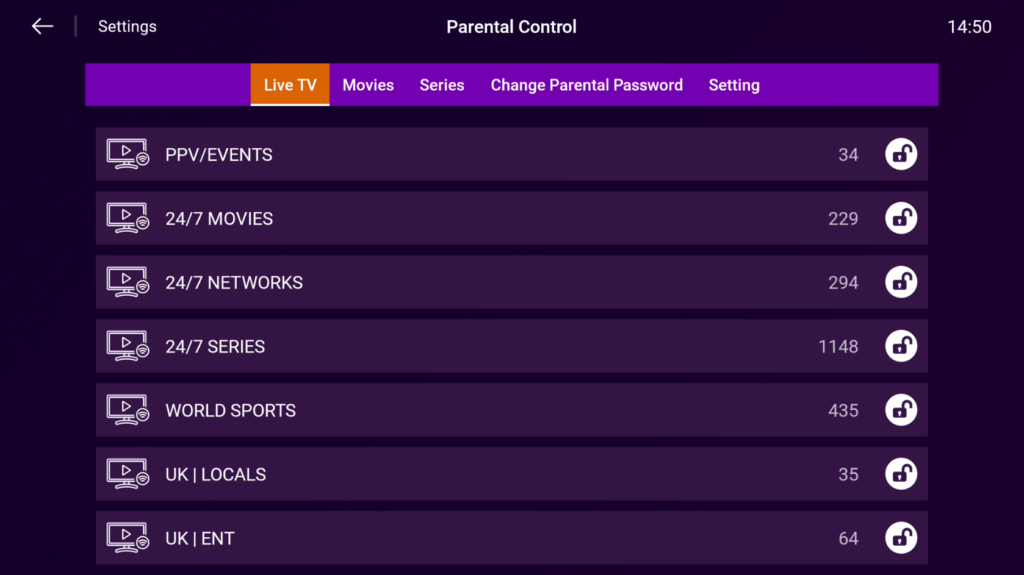
the IPTV Smarters application offers a rich set of features that make it one of the most widely used IPTV players:
- Live TV streaming
- Movies & TV series (VOD)
- Electronic Program Guide (EPG)
- Catch-up TV (provider-dependent)
- Multi-screen viewing
- Favorites management
- Parental controls
- External video player support
- Clean and intuitive interface
These features make this IPTV solution suitable for both beginners and advanced IPTV users.
Supported Devices
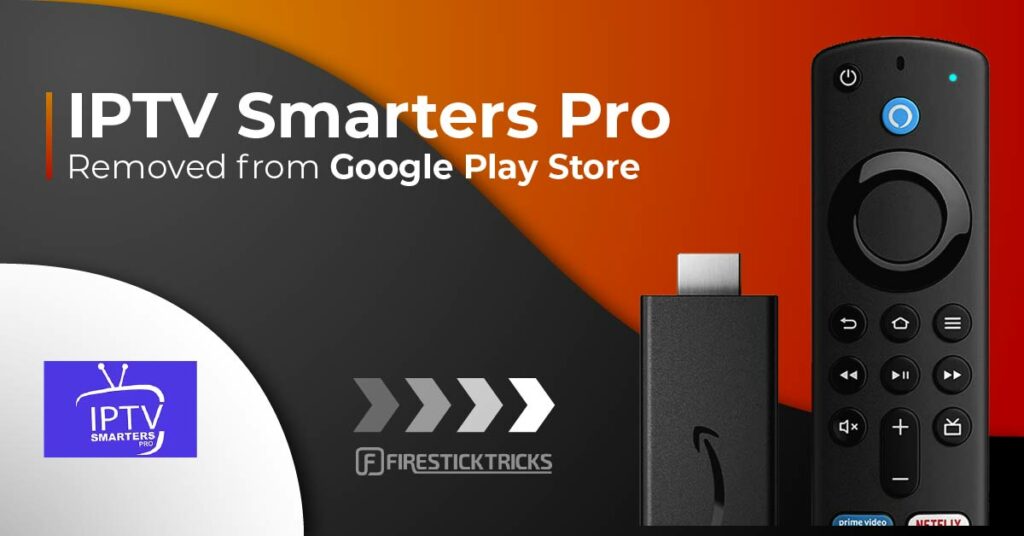
the Smarters player is compatible with a wide range of devices, including:
- Android smartphones & tablets
- Android TV & Android TV boxes
- Amazon Fire TV Stick & Fire TV devices
- Windows & macOS computers
- Some Smart TVs (depending on operating system)
This wide compatibility allows users to access IPTV content across multiple devices.
How to Set Up IPTV Smarters (Step-by-Step)
Step 1: Install the App
Download IPTV Smarters from the official app store or a trusted source for your device.
Step 2: Open the App
Launch the app and accept the terms of use.
Step 3: Add IPTV Login Details
Select Add User and log in using:
- Xtream Codes API, or
- M3U Playlist URL
Step 4: Load Content
The app will automatically load available channels, movies, and series.
Step 5: Start Streaming
Browse categories and start watching IPTV content.
IPTV Smarters vs Other IPTV Players
| Feature | IPTV Smarters | TiviMate | GSE Smart IPTV |
|---|---|---|---|
| Ease of Use | High | Medium | Medium |
| VOD & Series | Yes | Limited | Yes |
| Multi-Device Support | Yes | No | Yes |
| EPG Support | Yes | Yes | Yes |
| Beginner Friendly | Yes | Medium | Medium |
IPTV streaming player is often preferred by users looking for a simple, all-in-one IPTV player.
Is IPTV Smarters Legal?
Yes. the IPTV Smarters Pro as an application is legal. It functions only as a media player and does not provide any content.
The legality depends on the IPTV service used with the app. Users should always choose a reliable and compliant IPTV provider.
Common Issues & Troubleshooting
Channels not loading
- Check IPTV login details
- Restart the app
- Reload playlists
Buffering or freezing
- Test your internet speed
- Switch to Ethernet instead of Wi-Fi
- Close background apps
EPG not showing
- Refresh EPG data
- Confirm EPG support with your IPTV provider
IPTV Smarters and IPTV Services
This IPTV Player is commonly used alongside IPTV services to organize and stream live TV and on-demand content efficiently.
FAQ
1- What is IPTV Smarters used for?
Smarters Pro is used as an IPTV player application that allows users to stream live TV, movies, and series using an IPTV subscription. The app itself does not provide channels but organizes content supplied by an IPTV service.
2- Is Smarters pro free to use?
The Smarters app can be downloaded for free. However, an active IPTV subscription is required to watch content through the app.
3- Is this IPTV Player legal?
Yes, IPTV Smarters is legal because it functions only as a media player. The legality depends on the IPTV service used with the app, not the application itself.
4- Which devices support?
Smarters supports Android phones and tablets, Android TV, Fire TV Stick, Windows, macOS, and some Smart TVs depending on the operating system.
5- What login details do I need for IPTV Smarters?
You need IPTV login details provided by your IPTV service, usually in the form of:
- Xtream Codes API (recommended), or
- M3U playlist URL
6- Does IPTV Smarters support live TV and on-demand content?
Yes. This IPTV Player supports live TV channels, video on demand (VOD), and TV series if these are included in your IPTV subscription.
7- What internet speed is recommended for IPTV Smarters?
For smooth streaming:
- SD: 10 Mbps
- HD: 15–25 Mbps
- 4K: 30–50 Mbps
A stable internet connection improves performance.
8- Can I use IPTV Smarters on multiple devices?
Yes. IPTV Smarters can be installed on multiple supported devices, though the number of simultaneous connections depends on your IPTV service.
Final Thoughts
IPTV Smarters remains one of the most popular IPTV player apps in 2026 thanks to its ease of use, wide device compatibility, and feature-rich design. When paired with a reliable IPTV service and a stable internet connection, it delivers a smooth and enjoyable IPTV experience.